Fixed: Edit now opens the draft in the language you're reading
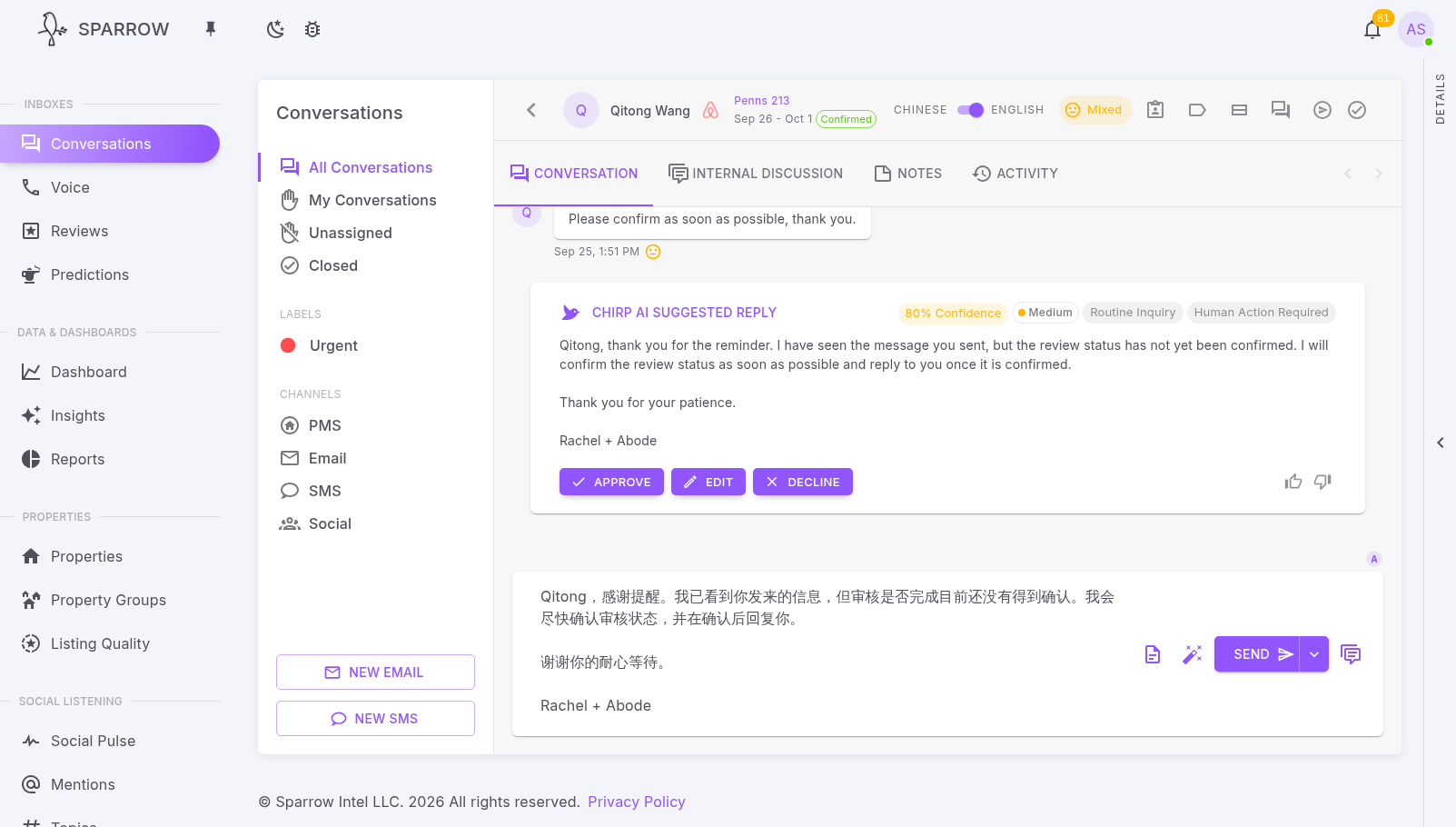
When the language toggle at the top of a conversation is on English, clicking Edit on a Chirp AI Suggested Reply now loads the English version into the composer.
A "Send in [language]" chip next to Send lets you choose how the reply goes out. Pick the guest's language and Sparrow Intel translates your message before sending. Pick English and it is sent exactly as you wrote it.
The choice starts on the guest's language and resets when you switch conversations.
Approve follows the same choice.
Email conversations don't have the send-language choice yet. Edit there still opens the draft in the guest's language.
This request was merged into another request
Comments1
Chad McGuire (Sparrow Intel)
Nov 22
Fixed: Edit now opens the draft in the language you're reading
When the language toggle at the top of a conversation is on English, clicking Edit on a Chirp AI Suggested Reply now loads the English version into the composer.